
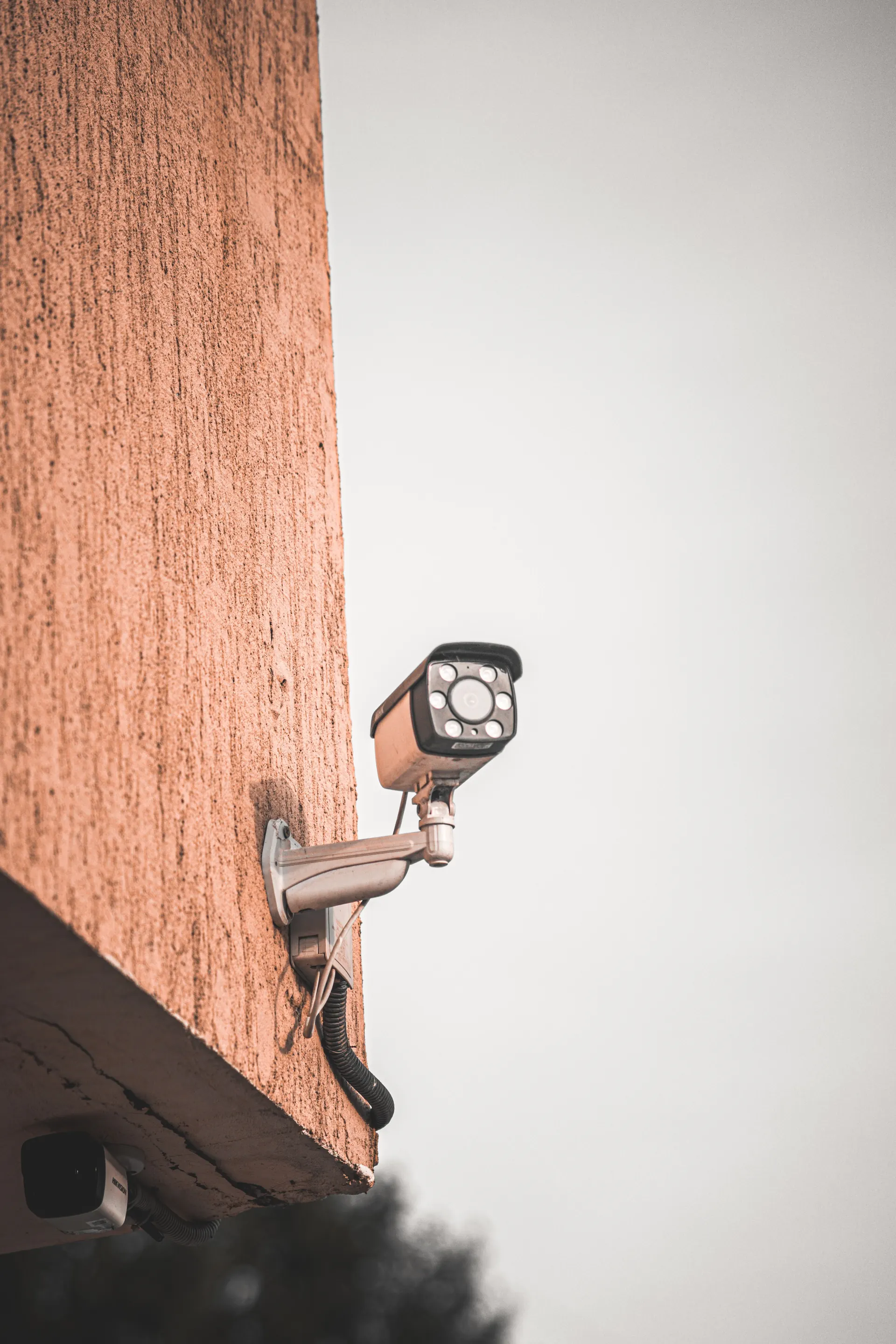
Choose Views and Respect Privacy
Mark the intended coverage on a property sketch and consider both daytime and nighttime conditions. Discuss neighboring areas, shared spaces, and any audio feature before enabling recording. Agree on appropriate placement and privacy settings, with qualified advice where legal obligations or workplace policies need review.
Plan Power, Network, and Storage
Ask how each camera receives power and connects to the recorder or network. Some equipment uses Power over Ethernet, which still requires compatible power and network planning. Compare local and cloud recording, retention choices, subscription terms, and what remains available during a connection or power interruption.
Test the Views You Actually Need
Request a demonstration from relevant locations under realistic lighting, plus a check of recording retrieval and authorized account access. Keep ownership with the property operator and document support arrangements. A clear image on a phone during installation does not establish that recordings can later be found or exported.
Before You Get An Estimate
- Mark desired views and sensitive neighboring areas.
- Describe nighttime lighting and mounting options.
- Choose recording retention and authorized viewers.
- Request live-view, playback, and account demonstrations.
Common Questions
Do wireless cameras still need electrical planning?
Yes. They still need a suitable power arrangement, whether supplied by batteries or a connection, and dependable communications. Ask about maintenance access, coverage, and the selected model’s behavior when connections are interrupted.
Does higher resolution guarantee useful identification?
No. Position, angle, lighting, distance, motion, and settings all affect the result. Describe the scene you need and ask for a realistic demonstration instead of choosing only by a resolution number.