

From clear sky to connected home
- 01
Check the sky
Review obstructions at the proposed terminal position.
- 02
Plan the mount
Confirm the surface, access and weather exposure.
- 03
Connect the home
Plan cable entry, indoor equipment and WiFi coverage.
Planning overview. Exact equipment and installation requirements are confirmed for your property.
Distinguish a Service Problem From a WiFi Problem
If you already have internet, explain what is not working for you. A weak signal in an added bedroom can be a local network issue; changing the provider does not automatically solve that layout problem. If a new Starlink connection is the goal, identify both the proposed dish area and the rooms where coverage matters.
For a household using a main residence and a separate workspace, ask for those spaces to be considered individually. State whether existing network equipment or a wired connection should be part of the assessment.
Check the Exterior Route and Permissions
Have the intended dish position surveyed before ordering a mount. Nearby trees and neighboring rooflines need consideration even if one part of the yard is open. Compare the roof or wall position with the route to indoor equipment, so the easiest cable entry does not become an inconvenient router location.
Where a roof, wall or access path is shared, establish owner authorization first. For a rental or managed property, agree who can approve visible cable runs and who will be present for the handover.
Use Yarmouth’s Permit Resources
The town’s Electrical Permits page links to its application and state-code resources. Describe any associated electrical work and the exterior proposal to the relevant office to establish the process for your property.
Request an estimate with the kit model, safe photographs and a short coverage brief. Ask the written scope to identify compatible mounting, weather-sealed entry, indoor setup and additional network work. You manage the Starlink account and subscription separately.
Common questions
Is Yarmouth Port a separate permitting authority?
No. It is within Yarmouth. Include both names for clear location and municipal coordination.
Can this help with a WiFi dead spot?
Describe the dead spot and current equipment first. It may call for network assessment alongside, or before, a new satellite installation.
Can the dish go on a shared exterior wall?
The location needs property authorization and an installation assessment. Include any condominium, landlord or association conditions in the initial discussion.
Continue planning
Let’s plan your Starlink project
Tell us your town, equipment or system, and what you want the finished installation to do. We’ll confirm the scope and availability with you.
Manufacturer and local resources
Planning information checked against these sources on November 22, 2026. Product models, requirements and availability can change; confirm the details for your project.
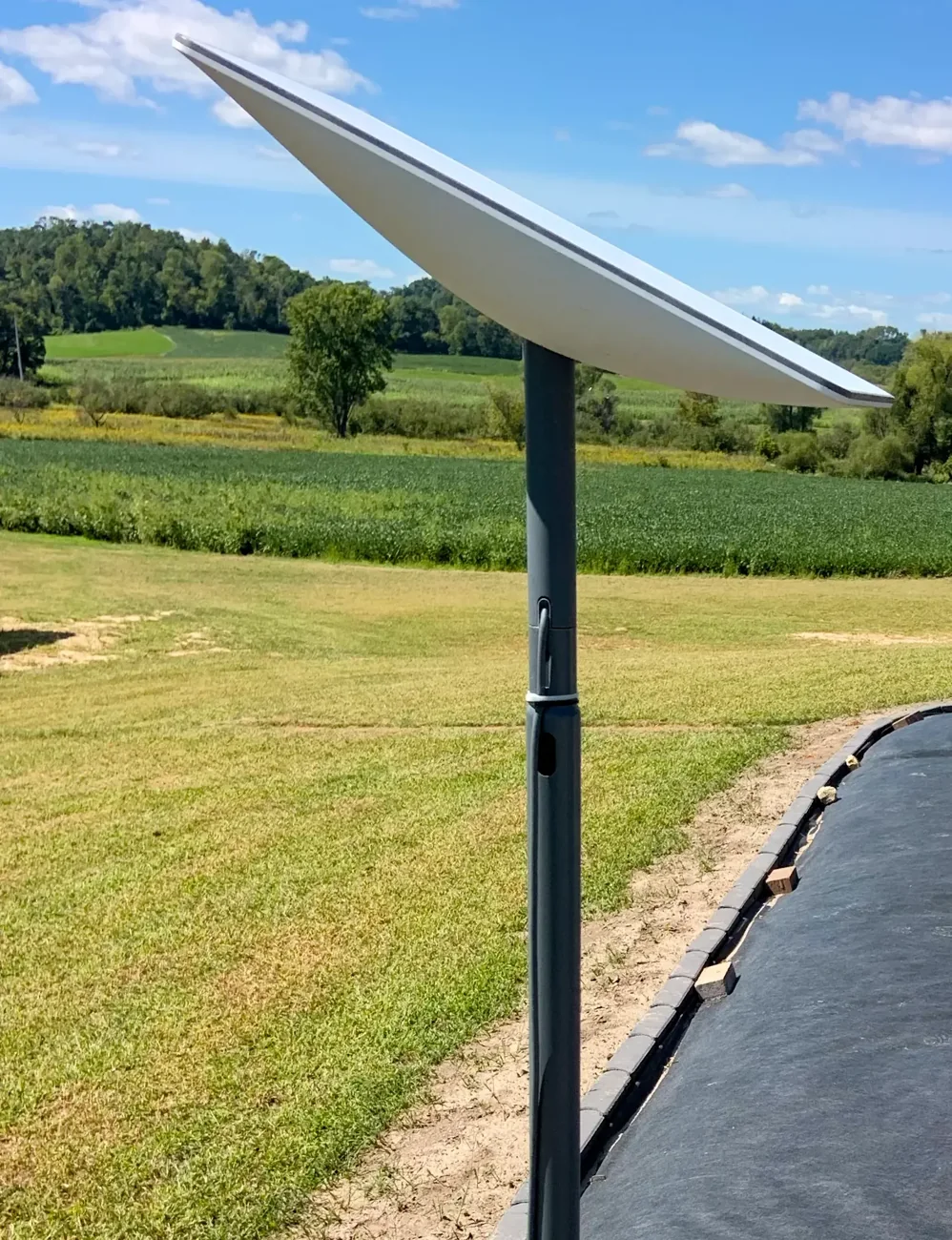
Starlink and its logo are trademarks of SpaceX. Equipment photos are illustrative and do not show J. Hall Electric projects. J. Hall Electric is independent; no Starlink affiliation or endorsement is claimed. Image and logo credits.