

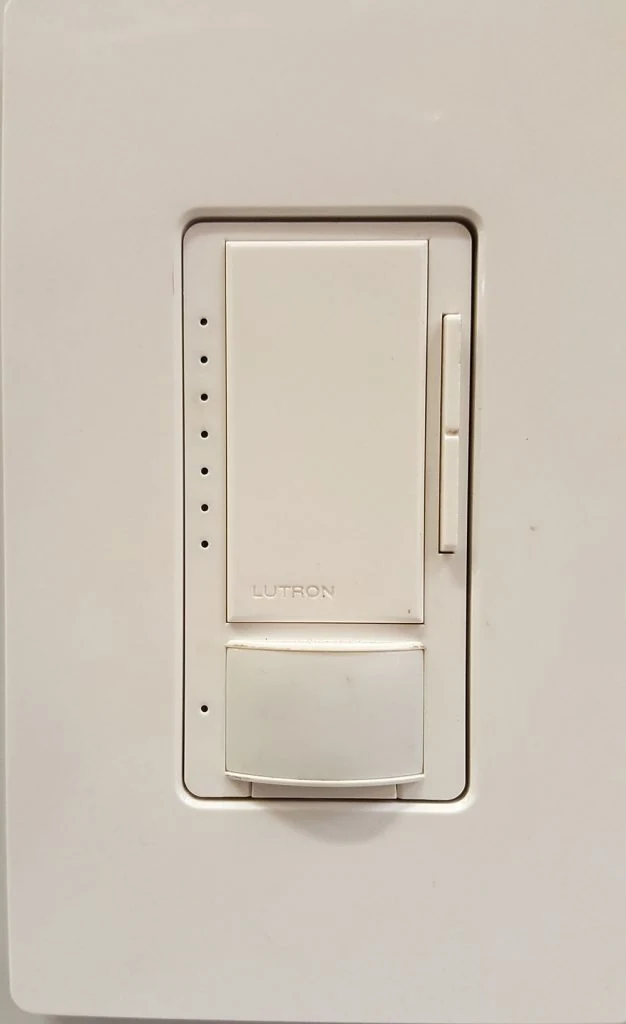
One plan for light, shade and control
- 01
Choose the controls
Match dimmers and switches to the actual lighting loads.
- 02
Plan the scenes
Decide what each room and keypad should do.
- 03
Coordinate the shades
Confirm measurements, power and system compatibility.
Planning overview. Exact equipment and installation requirements are confirmed for your property.
Plan lighting scenes around your day
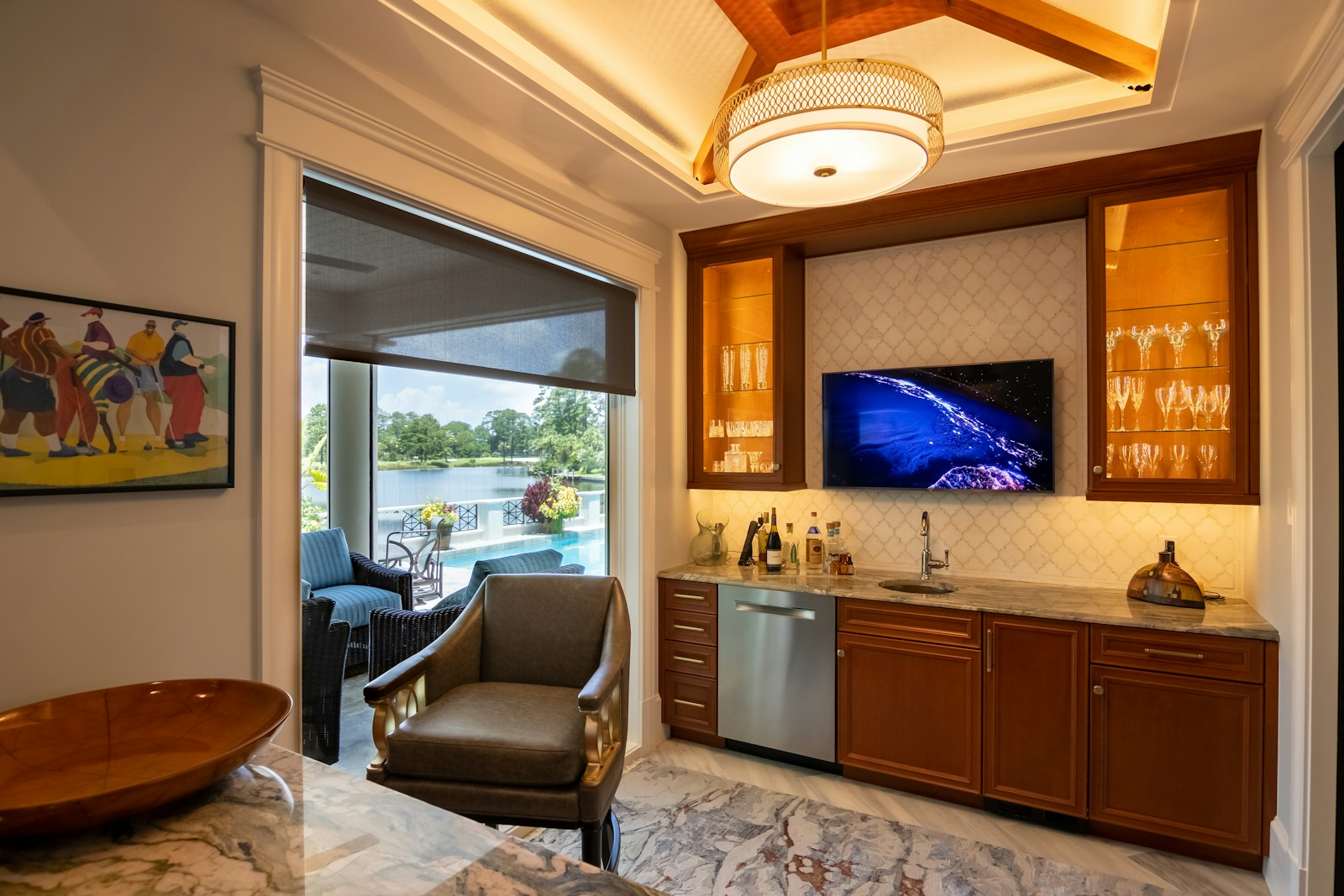
Choose the lighting and shade settings you want before the system is programmed.
- Morning: open selected shades and keep electric lighting low.
- Evening: choose comfortable light levels and close shades where you want privacy.
- Away: set the lighting and shade behavior that suits the property while it is unoccupied.
Available controls and scenes depend on the selected products and programming.
Find the right Lutron system
Start With the Way You Use the House
For a year-round Cape Cod home, the priority might be kitchen lighting that works for cooking and quiet evenings. For a seasonal home, it might be straightforward controls for visiting family and a clear plan for checking lights when you are away. A renovation is an opportunity to decide where controls should go before new finishes make changes more disruptive.
Describe the problem before building a shopping list. If a living room has several lighting circuits, ask whether one button should set them together. If the issue is an inconvenient switch location, an additional control point may be enough.
Compare the Three Main System Options
Caséta is worth considering for a focused upgrade or a home that needs uncomplicated app, schedule and remote control. RadioRA 3 offers a broader system approach with compatible keypads and coordinated lighting across more spaces. HomeWorks suits projects that need more extensive customization, including options for panelized lighting and architectural controls. The right choice depends on the proposed equipment and layout, not the home's price or a single square-footage figure.
Treat this comparison as the beginning of a specification. Similar-looking products may belong to different systems. Identify any existing Lutron installation before recommending additions or replacement parts.
- Caséta: consider the rooms you need now and the controls or shades you may add later.
- RadioRA 3: plan keypad functions, wireless coverage and qualified programming together.
- HomeWorks: coordinate lighting design, wiring architecture, shades and long-term system support early.
Check the Lights and Wiring Before Ordering
A dimmable LED label does not establish compatibility with every dimmer. The electrician needs the lamp or fixture model, any separate driver or transformer, the number of lights on the circuit, and the proposed control. Lutron publishes compatibility tools and model-specific ratings; the finished installation still needs to be tested through its usable dimming range.
Neutral-wire requirements vary by model. Some Caséta dimmers can work without a neutral at the switch, while other Caséta products and RadioRA 3 Sunnata controls require one. Existing switch boxes, multi-location switching and wiring condition can affect the scope. Leave electrical inspection to the electrician; photos of the outside of controls and fixture packaging are useful without opening anything.
Plan Around the Property and Its Seasons
A Cape cottage with later additions deserves a room-by-room survey. Include detached spaces and long floor plans when assessing wireless coverage. For a seasonal property, identify who can provide access for installation, testing and later adjustments.
If broadband is turned off when the house closes, explain that before planning remote features. Local control, the home network, remote app access and third-party services have different dependencies. Ask for an explanation of what the proposed system will do during an internet interruption. A lighting-control system does not supply backup electrical power.
For Martha's Vineyard or Nantucket enquiries, confirm project suitability, travel arrangements and appointment availability before booking. A website enquiry does not reserve an island installation date.
Include Setup and Handoff in the Scope
Installation should end with controls that make sense to the people using them. Agree on room names, the purpose of each scene, and which lights should remain easy to operate individually. Walk through the house using the wall controls as well as the app. For shades, include travel limits, grouping and access to batteries or power equipment.
Ask who will commission the system, demonstrate it and handle future changes. RadioRA 3 and HomeWorks programming availability should be assessed with appropriately qualified system professionals before the project is accepted. J. Hall Electric's project enquiry is not a claim of Lutron dealer status or manufacturer authorization.
- Confirm homeowner account access and agree who may retain professional remote access.
- Request a device list, useful operating notes and the applicable programming handoff arrangements.
- Record any remaining adjustments and the contact responsible for resolving them.
Discuss Your Lutron Project
Send J. Hall Electric your town, the rooms involved, whether this is an existing home or renovation, and what you want the controls to do. Mention any installed Lutron system and planned shades. Those details help establish the next step: a focused electrical assessment, a broader system-design discussion, or coordination with a qualified programmer.
Common questions
Can Lutron controls be added without rewiring the whole house?
Many projects can use existing lighting circuits, but the proposed controls must suit the wiring and loads. A survey establishes which locations can be retained and where electrical changes are needed.
Do I need to choose Caséta, RadioRA 3 or HomeWorks before enquiring?
No. Describe the rooms, lighting and routines you want to improve. System selection should follow that brief and an assessment of the property.
Can lights and motorized shades share a system?
Compatible products can be coordinated, but the shade family, motor and hub or processor must be checked together. Do not order shades on the assumption that all Lutron systems accept them.
Can you quote from a count of switches?
A count helps establish the scale. A meaningful proposal also needs load information, wiring conditions, control locations, programming needs and any shade or network work.
Continue planning
Let’s plan your Lutron project
Tell us your town, equipment or system, and what you want the finished installation to do. We’ll confirm the scope and availability with you.
Manufacturer and local resources
Planning information checked against these sources on November 22, 2026. Product models, requirements and availability can change; confirm the details for your project.
Lutron, its logo, Caséta, RadioRA 3 and HomeWorks are trademarks of Lutron Electronics Co., Inc. Brand names and logo identify the systems discussed. No authorized-dealer status or manufacturer endorsement is claimed. Image and logo credits.