

One plan for light, shade and control
- 01
Choose the controls
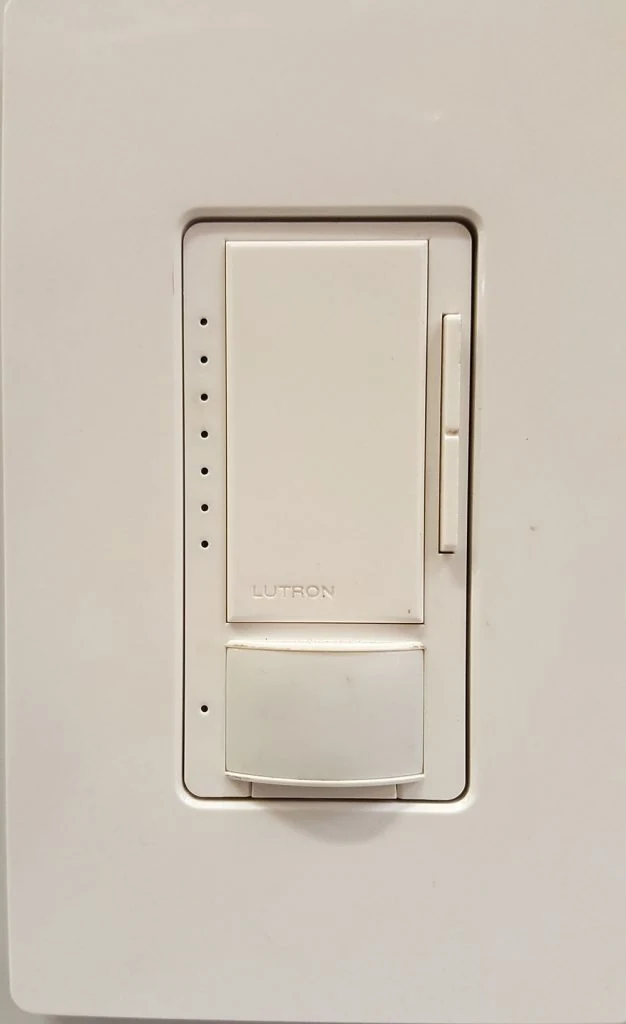
Match dimmers and switches to the actual lighting loads.
- 02
Plan the scenes
Decide what each room and keypad should do.
- 03
Coordinate the shades
Confirm measurements, power and system compatibility.
Planning overview. Exact equipment and installation requirements are confirmed for your property.
Plan lighting scenes around your day
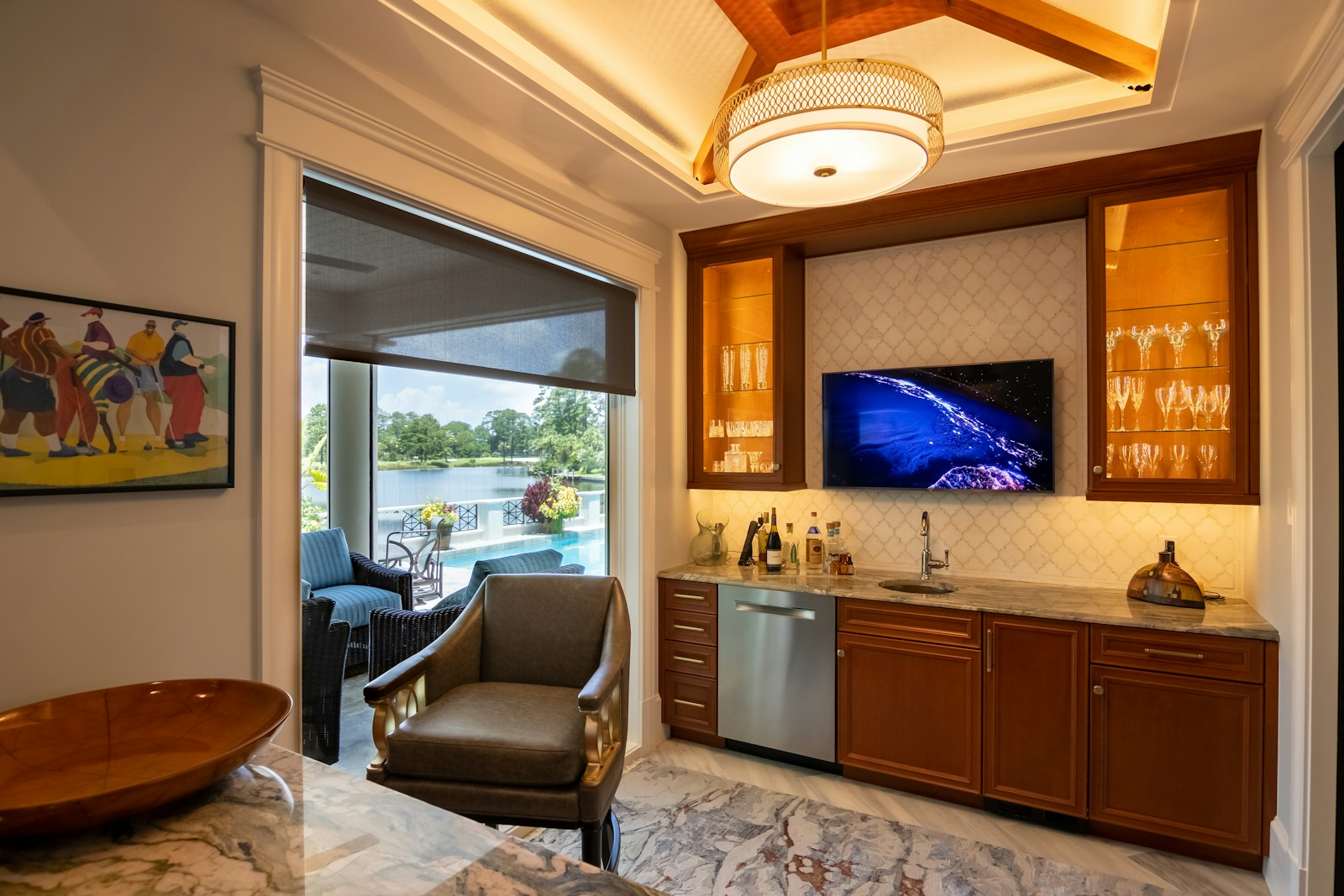
Choose the lighting and shade settings you want before the system is programmed.
- Morning: open selected shades and keep electric lighting low.
- Evening: choose comfortable light levels and close shades where you want privacy.
- Away: set the lighting and shade behavior that suits the property while it is unoccupied.
Available controls and scenes depend on the selected products and programming.
Start With the Room's Daylight and Privacy Needs
Decide what each opening needs: reduced glare at a desk, privacy beside a neighboring property, or a darker bedroom. In a Cape Cod home used by visiting family, consider whether a simple wall control would be easier than relying on everyone's phone. Look at fabric samples in the actual room and discuss how the space is used during daylight and after dark.
A blackout fabric does not by itself guarantee a completely dark room. The mounting design and gaps around the treatment matter. If room darkening is a priority, ask the shade specialist to explain the proposed assembly and its limits before approving it.
Measure the Finished Opening
Lutron's measuring guidance calls for final measurements at each installation location in its finished condition. Window schedules or dimensions from a building plan are useful for early discussion, but they are not a substitute for the final site measurement. New trim, wall finishes or a revised pocket can change the fit.
The survey should address inside or outside mounting, bracket and roll space, handles, trim and other obstructions. Confirm who takes responsibility for final measurements and ordering. Plan safe service access for high windows as part of the installation scope.
Specify Power and System Compatibility Together
Battery and wired power options depend on the shade product. Wireless control does not mean a shade has no power requirements. For the Sivoia QS Triathlon products addressed in Lutron's support guidance, the power source must be specified when ordering; a battery model should not be assumed convertible to a wired model later.
Confirm the exact shade family, motor and hub or processor as a set. For example, Lutron states that Triathlon and Palladiom Wire-Free shades require the Caséta Pro Smart Hub when used with Caséta; the standard hub does not support those products. Compatibility with RadioRA 3 or HomeWorks likewise depends on the specified equipment.
Include Commissioning and Future Access
Agree which shades should move together, their intended stopping positions and how they interact with lighting scenes. Test individual operation as well as groups. Lutron's app-based shade-limit procedure has system restrictions; RadioRA 3 and HomeWorks limit adjustments should be handled through the relevant professional programming workflow.
For a seasonal house, decide who will notice and address battery or service needs when the owner is away. Keep shade model and fabric records, access instructions and the servicing contact. Avoid placing essential power equipment where later cabinetry will make it inaccessible.
Discuss the Electrical and Shading Scope
Send J. Hall Electric your town, approximate number of windows, project stage and existing Lutron system if known. Describe whether you need power planning, coordination with a shade supplier or a wider lighting-and-shading project. Product supply, measurement, installation and qualified system programming responsibilities should be confirmed for the individual proposal.
Common questions
Can shades be ordered from the architect's window dimensions?
Use plans for early planning only. Final order dimensions should be verified at each finished opening using the guidance for the selected shade and mounting arrangement.
Are all wireless shades battery powered?
No. Control communication and power supply are separate choices. Confirm both for the exact product.
Will any Lutron shade work with my current hub?
No. Match the shade family and motor to the specific hub or processor before ordering. Some Caséta shading combinations require the Pro Smart Hub.
How long will the batteries last?
That depends on the selected product and its use. Ask for the model-specific guidance and a practical replacement or charging plan rather than relying on a general lifespan promise.
Continue planning
Let’s plan your Lutron project
Tell us your town, equipment or system, and what you want the finished installation to do. We’ll confirm the scope and availability with you.
Manufacturer and local resources
Planning information checked against these sources on November 22, 2026. Product models, requirements and availability can change; confirm the details for your project.
Lutron, its logo, Caséta, RadioRA 3 and HomeWorks are trademarks of Lutron Electronics Co., Inc. Brand names and logo identify the systems discussed. No authorized-dealer status or manufacturer endorsement is claimed. Image and logo credits.