
One plan for light, shade and control
- 01
Choose the controls
Match dimmers and switches to the actual lighting loads.
- 02
Plan the scenes
Decide what each room and keypad should do.
- 03
Coordinate the shades
Confirm measurements, power and system compatibility.
Planning overview. Exact equipment and installation requirements are confirmed for your property.
Make Keypads Earn Their Place
A keypad can simplify a room with several lighting groups, but only when its buttons have clear purposes. List what should happen for cooking, dining, evening use and leaving the house. Decide which lights need individual adjustment as well as shared scenes. The aim is a control layout the household can understand at a glance.
For a Cape Cod renovation with a main house and an added living area, describe how people move between spaces. That brief helps the designer choose control locations and wireless coverage before equipment is ordered.
Check System Devices and Lighting Compatibility
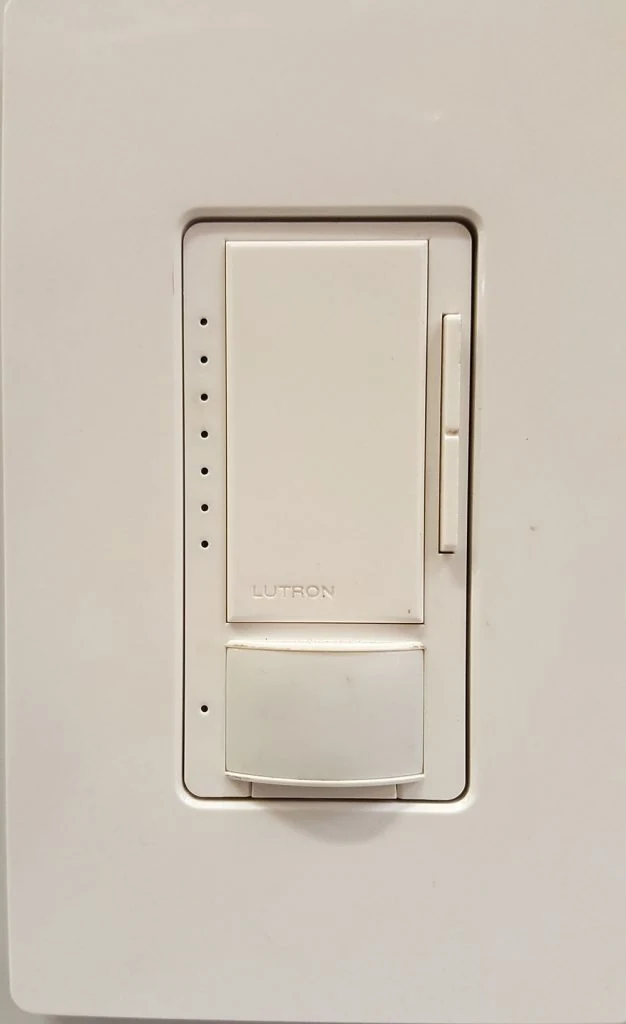
RadioRA 3 supports specific Sunnata RF controls and other listed Lutron equipment. A standalone Sunnata control is not interchangeable simply because it has the same appearance. The RadioRA 3 Sunnata PRO dimmer RRST-PRO-N and switch RRST-8ANS require neutral connections.
Match each lighting circuit to the appropriate control and confirm the LED or driver pairing. Where the preferred control does not suit the wiring or load, the scope needs an assessed alternative. Do not choose a device solely to keep all faceplates looking alike.
Survey Coverage and Existing Equipment
RadioRA 3 uses Clear Connect Type X and supports many listed Type A devices. Those radio types have different placement and range rules. A site survey should include additions, separate structures and the proposed processor location; a broad coverage claim cannot replace that design work.
Some RadioRA 2 and RA2 Select equipment can be retained in an upgrade, but Lutron lists exceptions. Identify the current system and every device before promising reuse. Preserve the existing programming and access records while the upgrade plan is assessed.
Confirm Programming and Ownership Before Work Starts
Lutron specifies qualified programming for RadioRA 3 using its professional tools. J. Hall Electric enquiries should establish the electrical scope and whether an appropriately qualified system professional is available for design, commissioning and support. This page does not represent J. Hall Electric as a Lutron-authorized dealer or programmer.
Agree who controls homeowner access, who may service the system remotely and how an authorized future provider can obtain access. A project file alone is not a substitute for checking the current cloud-access arrangements. Include the requested integrations and explain their network requirements separately from wall-control operation.
- Test every keypad button and scene against the agreed room plan.
- Verify dimming performance with the installed lamps and fixtures.
- Record system equipment, servicing contacts and the process for later adjustments.
Start With a Project Assessment
Send your town, floor-plan outline, priority rooms and any existing RadioRA model information. Mention planned shades and other home-control equipment. These details allow a realistic discussion of compatibility, programming responsibility and the next survey step.
Common questions
Will all of my RadioRA 2 equipment work with RadioRA 3?
No universal compatibility is promised. Lutron lists supported equipment and exclusions. Review the installed models and programming before deciding what can remain.
Is RadioRA 3 just a Wi-Fi switch system?
Its supported wireless controls use Lutron Clear Connect. Processor networking, radio layout and connected services still need to be planned for the property.
Can the homeowner change the system?
The homeowner app offers everyday controls and supported edits. Professional design and programming use separate tools; agree which changes need the qualified programmer.
Is it possible to start before broadband is connected?
Lutron documents an offline setup process for qualified professionals. The commissioning plan must still identify which app, cloud and integration features need a working network and internet connection.
Continue planning
Let’s plan your Lutron project
Tell us your town, equipment or system, and what you want the finished installation to do. We’ll confirm the scope and availability with you.
Manufacturer and local resources
Planning information checked against these sources on November 22, 2026. Product models, requirements and availability can change; confirm the details for your project.
Lutron, its logo, Caséta, RadioRA 3 and HomeWorks are trademarks of Lutron Electronics Co., Inc. Brand names and logo identify the systems discussed. No authorized-dealer status or manufacturer endorsement is claimed. Image and logo credits.